Data
The Tag That Multiplies Revenue: Behavioral Segmentation from Day One
Every subscriber click is a buying signal. Behavioral tags turn those signals into better recommendations from day one.
July 04, 2026 · 9 min read
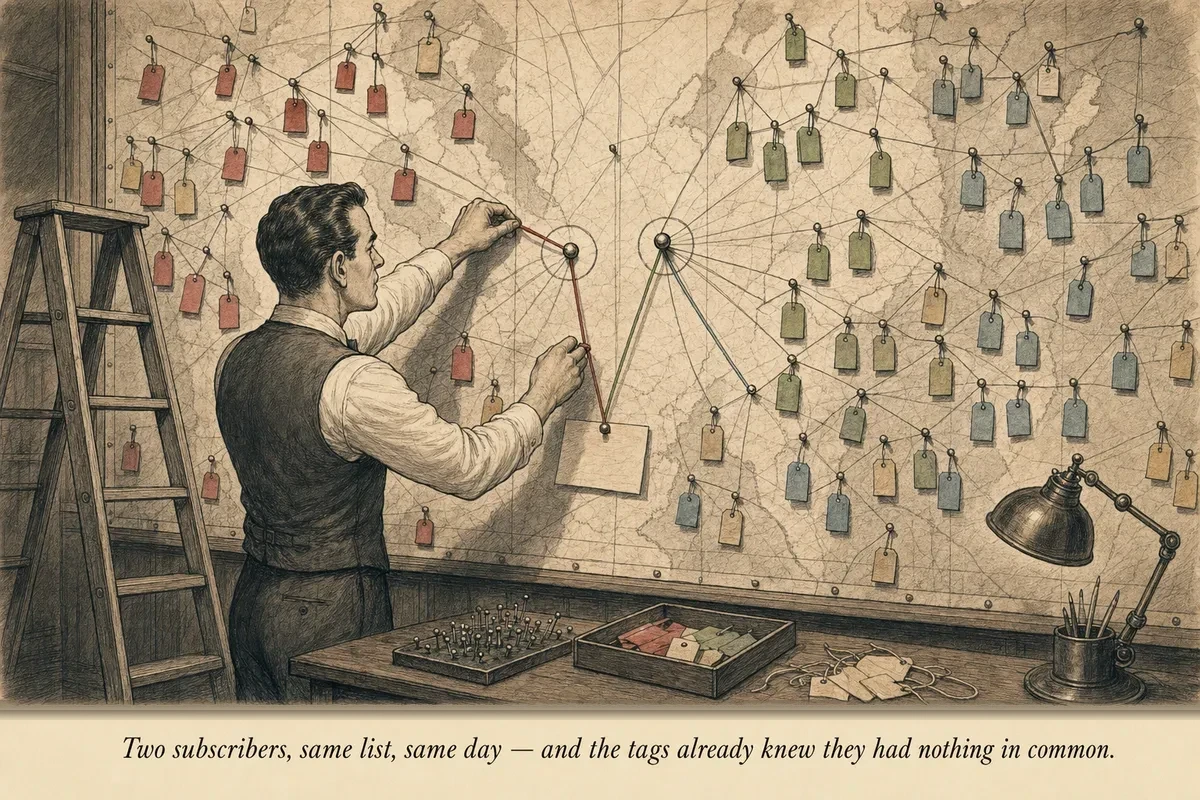
Two subscribers join your list on the same day, from the same creator’s content, through the same landing page. Same capture. Same welcome email. Same sequence.
Subscriber A clicks on the link in Email 3 — a $197 photography course — spends 4 minutes on the merchant page, but doesn’t purchase.
Subscriber B ignores the photography course entirely. But in Email 5, they click the $47 editing software recommendation and purchase within 8 minutes.
From this point forward, sending both subscribers the same emails is leaving money on the table.
Subscriber A demonstrated interest in premium education products in the $200 range. Next month’s broadcast about a $297 advanced workshop is built for them. Subscriber B demonstrated interest in tools — software, templates, plugins — at the sub-$50 price point. The broadcast about a new $39 preset pack is built for them.
The difference between knowing this and not knowing this is the difference between a $1.50 RPS and a $3.00 RPS. It’s the same list. Same subscriber count. Same products available. The only thing that changed is which subscriber sees which offer.
That’s what behavioral segmentation does. And it starts with a tag.
%%{init: {'theme': 'neutral'}}%%
flowchart TD
    SUB[Subscriber Action] --> |Clicks course link| T1[Tag: interest:courses]
    SUB --> |Purchases product| T2[Tag: intent:buyer]
    SUB --> |Replies to email| T3[Tag: goal:stated]
    T1 --> SEG[Behavioral Profile]
    T2 --> SEG
    T3 --> SEG
    SEG --> |Matched recommendation| EMAIL[Targeted Email]
    style SEG fill:#4a7c59,color:#fff
What a tag actually is
A tag is metadata attached to a subscriber record. Nothing more complex than that. Every email platform — ConvertKit, ActiveCampaign, Beehiiv, Mailchimp — supports tags. They’re free to create, free to apply, and invisible to the subscriber.
You create a tag. You define a trigger (a behavior). When the subscriber performs the behavior, the tag gets applied automatically. From that point on, you can filter, segment, and target based on who has which tags.
The implementation takes minutes. The intelligence takes months. But the intelligence starts accumulating from minute one — which is why you install tags at launch, not after you “have enough data.”
The three tag categories
Not all behavioral signals are equal. I organize them into three categories by what they tell you:
Interest tags — what topics/categories they respond to. Applied when a subscriber clicks a link related to a specific product category. Example: “interested:photography-courses” applied when they click any photography education link.
Intent tags — how close to purchase they are. Applied when a subscriber takes high-intent actions: clicks an affiliate link, visits a product page, adds to cart (if you can track it). Example: “high-intent:product-X” applied when they click through to the merchant checkout page.
Identity tags — who they are demographically or psychographically. Applied when a subscriber self-selects through content or replies. Example: “beginner” vs. “advanced” based on which resource they downloaded at capture.
Interest tags tell you what to recommend. Intent tags tell you when to recommend it. Identity tags tell you how to frame it.
This article continues for paid subscribers with the specific tagging architecture (which triggers to set, which tags to create), the automated segmentation workflows, how tags compound into behavioral profiles, revenue impact data from tagged vs. untagged broadcasts, and the cross-partner intelligence layer.
Hybrid Content
This article continues for subscribers.
The full implementation — the steps, the templates, the math — is delivered via the newsletter.
Unsubscribe in one click. Useful operator material only. Promotions, sponsors, and partner links will be disclosed.
Data
Want to build your intelligence moat?
This article covered the data dimension. The newsletter delivers measurement frameworks and signal patterns every week.
Unsubscribe in one click. Useful operator material only. Promotions, sponsors, and partner links will be disclosed.